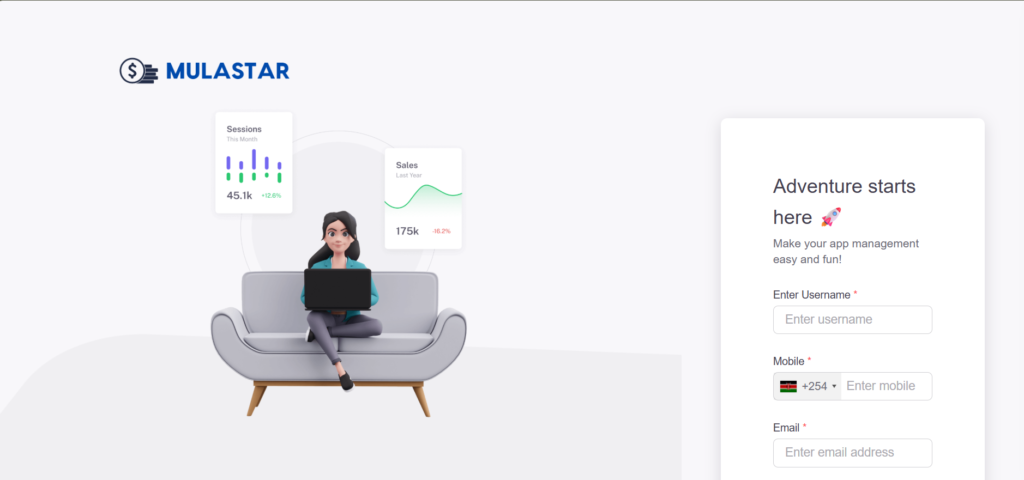
Download MulaStar App
Download & Install MulaStar App
Earn anytime, anywhere with the MulaStar mobile app. Follow these quick steps to get started on your Android device:
Step 1: Visit the Official Website
Step 2: Tap the Download MulaStar App Button
Scroll down until you see the green “MulaStar App” button. Tap it to begin downloading.
Step 3: Get the APK File
The app is provided as an APK (not on Google Play). Your phone may show a warning — simply confirm by selecting OK or Download Anyway.
Step 4: Allow Installation
Android devices block APKs by default. To enable installation:
- Go to Settings
- Open Security/Privacy
- Turn on Install from Unknown Sources for the browser you used
Step 5: Install MulaStar App
Locate the downloaded APK in your Downloads folder. Tap it, follow the on‑screen instructions, and complete installation.
Step 6: Open & Register MulaStar
Launch the MulaStar app. Sign up or log in to access your dashboard and start earning instantly.
Pro Tips
- ✅ Always download from the official MulaStar site
- ✅ If installation fails, recheck your phone’s security settings
- ✅ Keep your app updated for new features and improvements
- 👉 https://mulastar.com/login
✨ MulaStar App — Your earnings, always within reach.