Download MulaStar App
Download MulaStar App
Want to earn on the go? Installing the MulaStar app on your Android phone is quick and easy. Follow these steps to get started:
Step 1: Visit the Official Website
Open your browser and go to the official MulaStar site. This ensures you’re downloading the app from a safe, trusted source.
Step 2: Find the Download Button
Scroll down until you see the green “MulaStar App” button. Tap it to begin your download.
Step 3: Download the APK File
Click the button to download the APK. Since the app isn’t on Google Play, your phone may warn you about security risks. Simply confirm by selecting OK or Download Anyway.
Step 4: Allow Installation from Unknown Sources
Android devices block APKs by default. To enable installation:
- Open Settings
- Go to Security/Privacy
- Turn on Install Apps from Unknown Sources for the browser you used
Step 5: Install MulaStar App
Go to your Downloads folder, tap the MulaStar APK file, and follow the on‑screen instructions to complete installation.
Step 6: Open & Register MulaStar
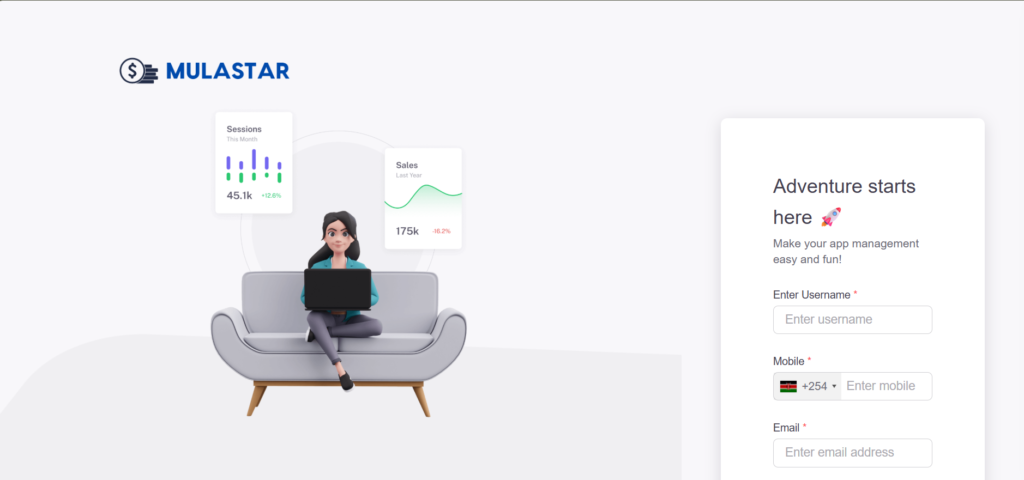
Launch the app. You’ll see the registration page where you can sign up or log in to your account. From here, your dashboard is ready — start earning instantly.
Tips for Smooth Installation
- Always download APKs from trusted sources
- If installation fails, recheck your phone’s security settings
- Keep your app updated for new features and improvements
- 👉 https://mulastar.com/login
✨ MulaStar App — Earn anytime, anywhere, right from your phone.